How to Use GPT-5.4’s New “Native Computer Use” Feature to Automate Your Daily Workflow
GPT-5.4's groundbreaking "Native Computer Use" feature is a paradigm shift in AI-assisted productivity. Unlike previous models that could only suggest actions, this capability allows the AI to directly and safely interact with your computer's operating system under your supervision. This guide will show you how to use GPT-5.4's Native Computer Use feature to automate repetitive tasks, manage files, analyze data, and streamline your daily workflow, turning hours of manual work into minutes of automated execution.

What is Native Computer Use and How Does It Work?
Native Computer Use is a secure, sandboxed environment within GPT-5.4 that grants it permission to perform actions on your computer, such as reading, writing, and organizing files, running scripts, sorting emails, and even controlling certain applications. Crucially, it operates with a strict permission-based model. You must explicitly initiate a session and approve its action plan. It cannot act autonomously without your consent, ensuring security and user control are paramount. Think of it as a supremely capable digital assistant that can finally "use the tools" rather than just describe how to use them.
Setting Up and Initiating a Session
Before you begin automating, you need to start a session. This is typically done through the GPT-5.4 interface with a dedicated "Computer Use" button or command. You'll be prompted to define the scope of the session—such as access to a specific folder, application, or function. Once initiated, you communicate your goal in natural language. For example, "Organize all the PDF invoices from the 'Downloads' folder into a new folder called '2024_Invoices' sorted by month." GPT-5.4 will then propose a step-by-step plan for your approval before executing any action.
Practical Automation: Transforming Your Daily Tasks
Let's move from theory to practice. Here are concrete ways to leverage this feature for massive time savings.
1. Automated File Management and Organization
This is one of the most immediate applications. Stop manually dragging and dropping files.
- Batch Renaming & Sorting: "Rename all screenshots in the 'Desktop/Screenshots' folder to the format 'YYYY-MM-DD_Description.jpg' based on their creation date and content analysis."
- Intelligent Filing: "Scan my 'Downloads' folder. Move all PDFs to the 'Documents/PDFs' folder, all images to 'Pictures/Downloads', and all installer files to 'Utilities'. Delete any files older than 30 days."
- Project Setup: "Create a new project folder called 'Q4_Report' with subfolders for 'Data', 'Drafts', 'Graphics', and 'Final'. Then copy the template.docx file from the 'Templates' folder into 'Drafts'."
2. Data Processing and Report Generation
Move beyond simple analysis to full-scale report assembly.
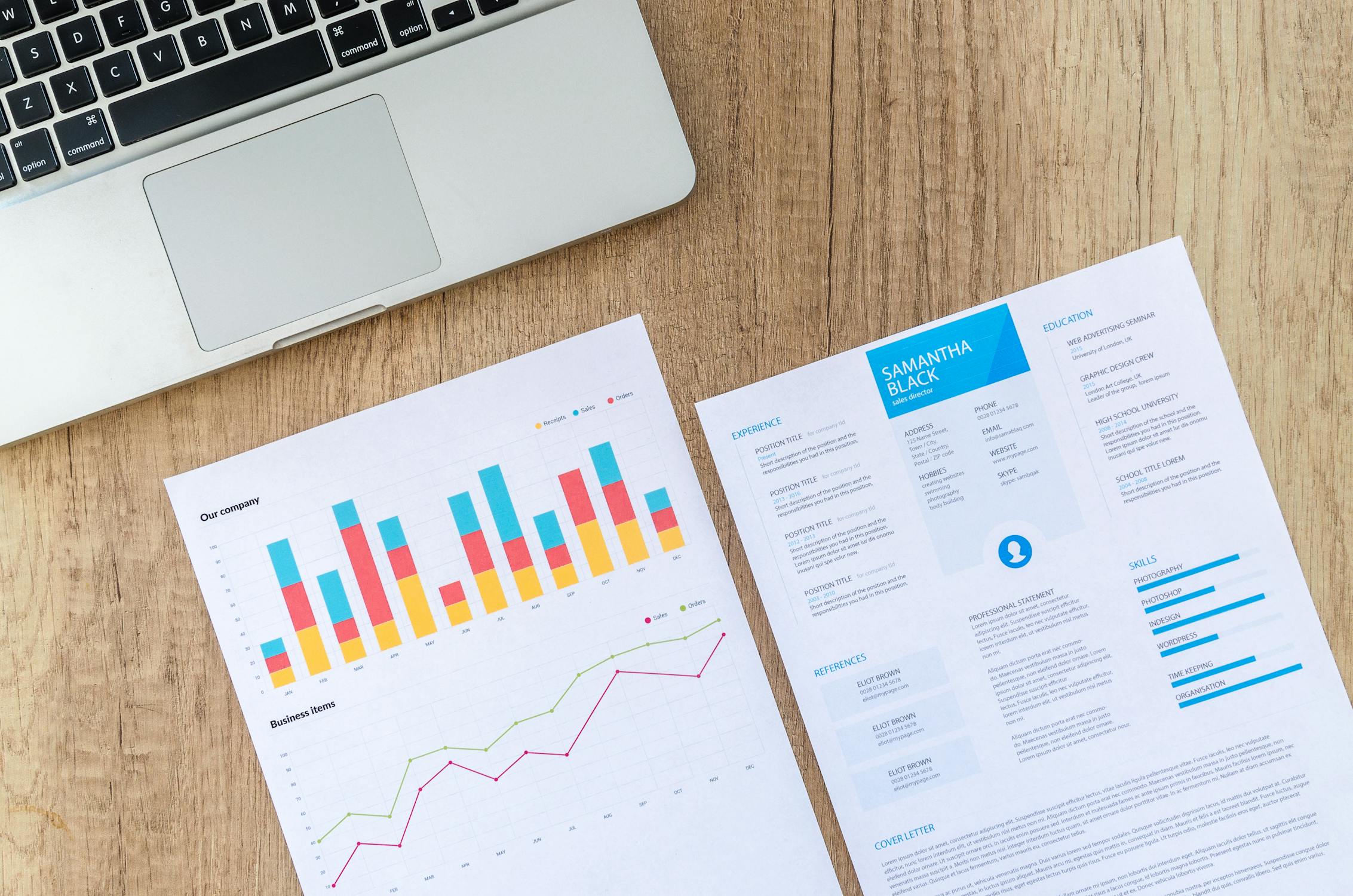
- CSV/Excel Automation: "Open the 'sales_data.csv' file, remove duplicate entries, calculate the total and average for the 'Revenue' column, and create a new column for 'Profit Margin'. Save the cleaned data as 'sales_data_processed.xlsx' and generate a summary text file with the key figures."
- Dynamic Reporting: "Gather the latest figures from the 'metrics.xlsx' file and the 'performance_log.txt'. Use this data to write a first draft of a weekly performance report in a new Word document, including a bulleted summary and two key recommendations."
3. Email and Communication Triage
While it won't send emails without approval, it can powerfully organize your inbox.
- Inbox Sorting: "Analyze my unread emails. Flag all emails from my boss as high priority. Move all newsletters to the 'Newsletters' folder. Create a list of emails that require a response today and draft potential replies for my review."
- Meeting Prep: "Find all calendar invites for tomorrow. For each meeting, extract the agenda and participants from the email threads and compile them into a single briefing document."
4. Research and Information Compilation
Supercharge your research by having the AI do the legwork.
- Web Data Aggregation: "I have saved 15 articles on renewable energy trends as PDFs in the 'Research' folder. Read them, extract the key statistics and findings, and synthesize them into a structured outline with citations."
- Competitor Analysis: "I've screenshotted the homepage of three competitor websites. Analyze the images (using OCR), summarize their value propositions, and note common design elements. Save the analysis in a Markdown file."
Best Practices for Safe and Effective Automation
With great power comes great responsibility. Follow these guidelines to ensure smooth operation.
- Start Small: Begin with non-critical files and simple tasks to build trust in the process.
- Always Review the Plan: Never skip the step where GPT-5.4 outlines its intended actions. This is your safety check.
- Use Sandboxed Folders: Initially, grant access only to specific, copied data in a test folder, not your live directories.
- Maintain Backups: Always have a recent backup of important data before running any batch automation.
- Be Specific in Prompts: Vague instructions lead to unpredictable results. Clearly define file paths, naming conventions, and desired outcomes.
FAQ
Is GPT-5.4's Native Computer Use feature safe?
Yes, when used responsibly. It operates in a permission-based sandbox. It cannot take action without your explicit initiation and approval of its step-by-step plan. It does not run silently in the background.
What operating systems does it support?
Initially, the feature is optimized for Windows 11 and macOS Sonoma (and later), with core file system and application support. Linux support is more limited and may require additional configuration.
Can it access my personal data or the internet during a session?
No. It can only access the specific files, folders, and applications you explicitly grant permission to during that session. It does not have general internet access or the ability to browse your private data outside the defined scope.
What kinds of tasks is it NOT good for?
It is not designed for real-time system control (like gaming), highly creative visual design tasks requiring nuanced software like Photoshop, or tasks requiring subjective human judgment (like evaluating the emotional tone of a poem). It excels at structured, rule-based digital tasks.
Do I need programming knowledge to use this feature?
Absolutely not. This is its core strength. You describe your goal in plain English (or your native language), and GPT-5.4 translates that into the necessary digital actions. It's automation without code.
Conclusion: The Future of Personal Productivity is Here
GPT-5.4's Native Computer Use feature is not just an incremental update; it's a fundamental reimagining of human-computer interaction. By learning how to use GPT-5.4's Native Computer Use feature effectively, you are delegating the tedious, repetitive digital chores that consume your workday. This shifts your role from operator to supervisor and strategist. The initial setup and trust-building are investments that pay exponential dividends in reclaimed time and mental bandwidth. Start by automating one annoying task this week. You'll quickly discover that this is the most powerful tool yet for creating a seamless, intelligent, and truly automated daily workflow.
